Building a Weather App
We will be building a simple weather app that allows the user to enter a zip code and get the current weather for that location. The app will use the OpenWeatherMap API to get the weather data. The user will enter a zip code and click the button to get the weather for that location. The app will display the weather data in a text field.
Adding Dependencies
We will be using the Retrofit library to make the network request to the OpenWeatherMap API. We will also be using the OkHttp library to make the network request.
Adding Dependencies to libs.versions.toml File
// Add these versions to the [versions] section
[versions]
...
retrofit = "2.9.0"
okhttp = "4.9.0"
lifecycle = "2.7.0"

// Add these libraries to the [libraries] section
[libraries]
...
retrofit = { group = "com.squareup.retrofit2", name = "retrofit", version.ref = "retrofit" }
retrofit-converter-gson = { group = "com.squareup.retrofit2", name = "converter-gson", version.ref = "retrofit" }
okhttp-logging-interceptor = { group = "com.squareup.okhttp3", name = "logging-interceptor", version.ref = "okhttp" }
androidx-lifecycle-viewmodel-compose = { group = "androidx.lifecycle", name = "lifecycle-viewmodel-compose", version.ref = "lifecycle" }
...
This adds the Retrofit, OkHttp dependencies to your version catalog.
Adding Dependencies to build.gradle.kts
dependencies {
     ...
     implementation(libs.retrofit)
     implementation(libs.retrofit.converter.gson)
     implementation(libs.okhttp.logging.interceptor)
     implementation(libs.androidx.lifecycle.viewmodel.compose)
     ...
}
Updateing the Manifest File
We need to add the following permissions to the manifest file:
<uses-permission android:name="android.permission.INTERNET" />
These permissions are required for your app to access the internet
Sample Project Folder Structure
As we build the app, we will be adding files to the project. The following is a sample of the folder structure you will see in the project.
WeaterApp/
├── app/
│   └── src/
│       └── main/
│           ├── AndroidManifest.xml
│           ├── java/
│           │   └── com/example/weaterapp/
│           │       ├── MainActivity.kt
│           │       ├── WeatherAppScreen.kt
│           │       ├── WeatherViewModel.kt
│           │       ├── WeatherRepository.kt
│           │       ├── api/
│           │       │   ├── WeatherApiService.kt
│           │       │   └── RetrofitClient.kt
│           │       │   └── WeatherResponse.kt
│           │       └── ui.theme/
│           └── res/
│               └── ...
└── ...
This structure helps keep your code organized as you add more features in each lesson.
How the App Renders
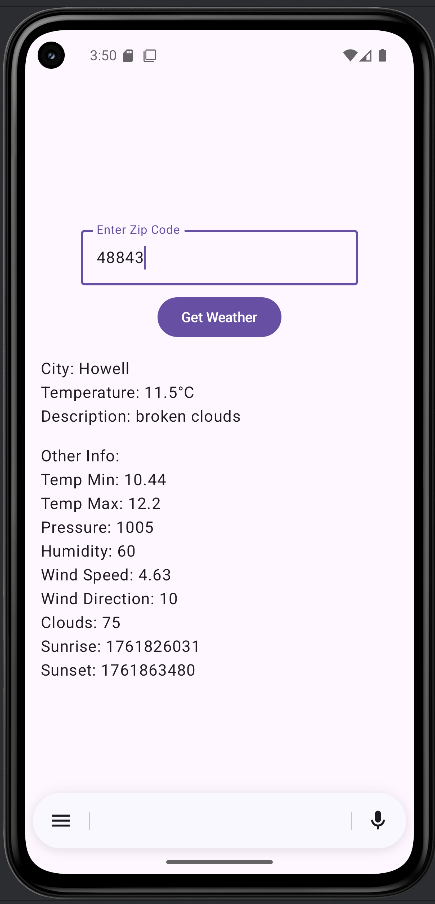
Here's what our weather app will look like when it's complete:
To see the full code, you need to go to my GitHub page and look at the chapter12 WeatherAppNoCache.
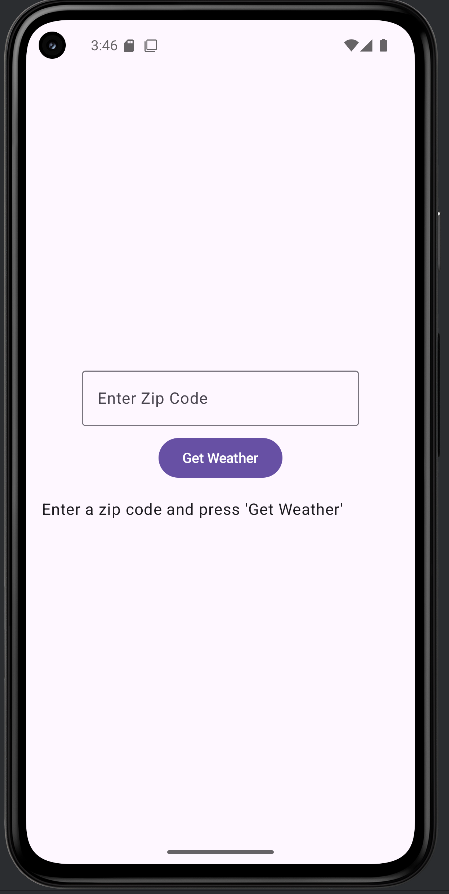
The app will look like this:
When it first loads.
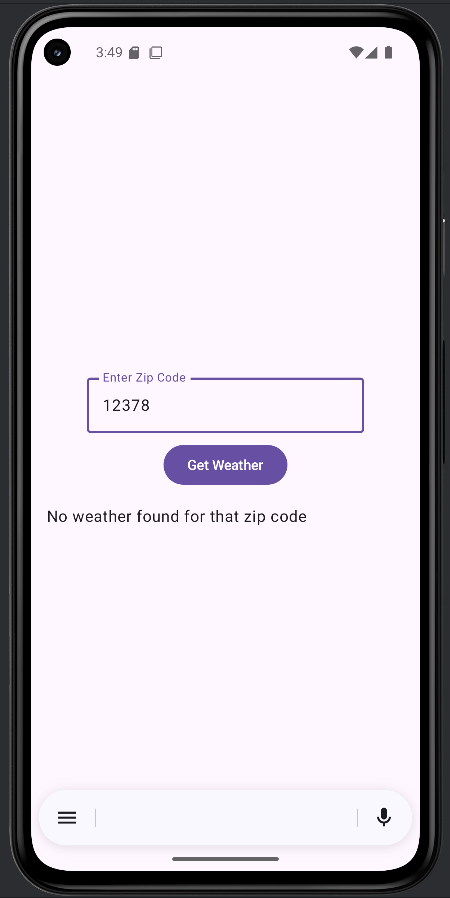
Error getting weather data.
Successfully getting weather data.